
Free ・ No installation ・ No account
Free browser navigation for driving in Japan.
navicchoro is a free navigation app made by one person, built on OpenStreetMap. Search a destination, compare routes, and follow 3D close-ups of junctions and expressway forks from your phone browser.

Runs in your browser. Screens, map labels and voice guidance are Japanese only for now.
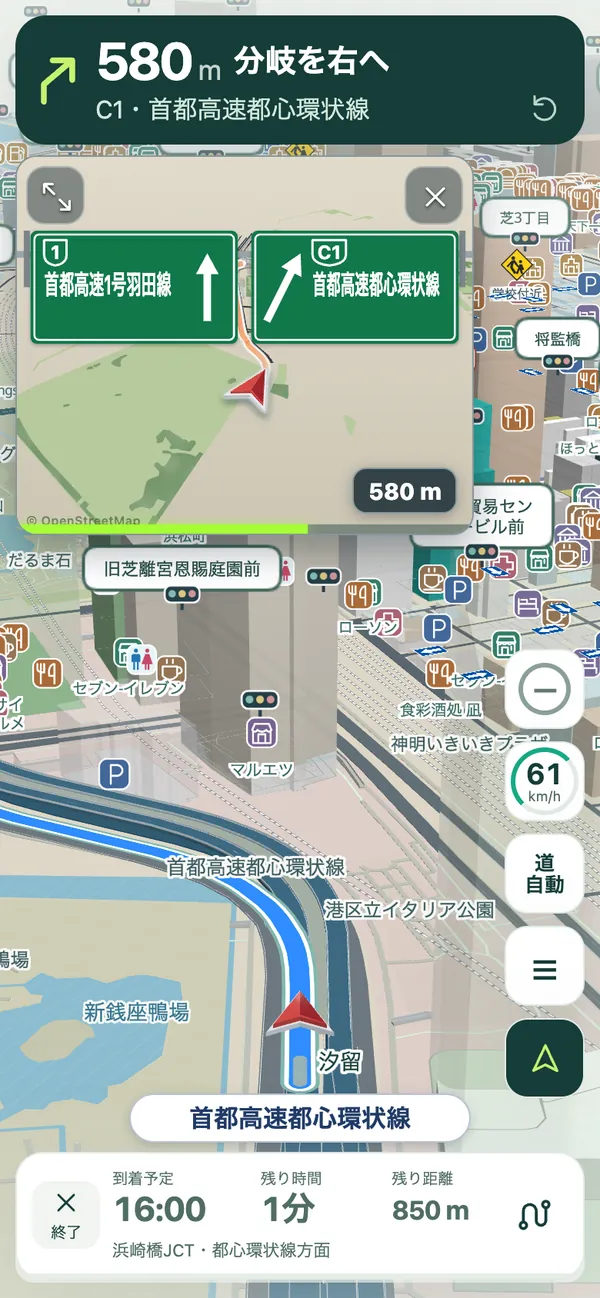
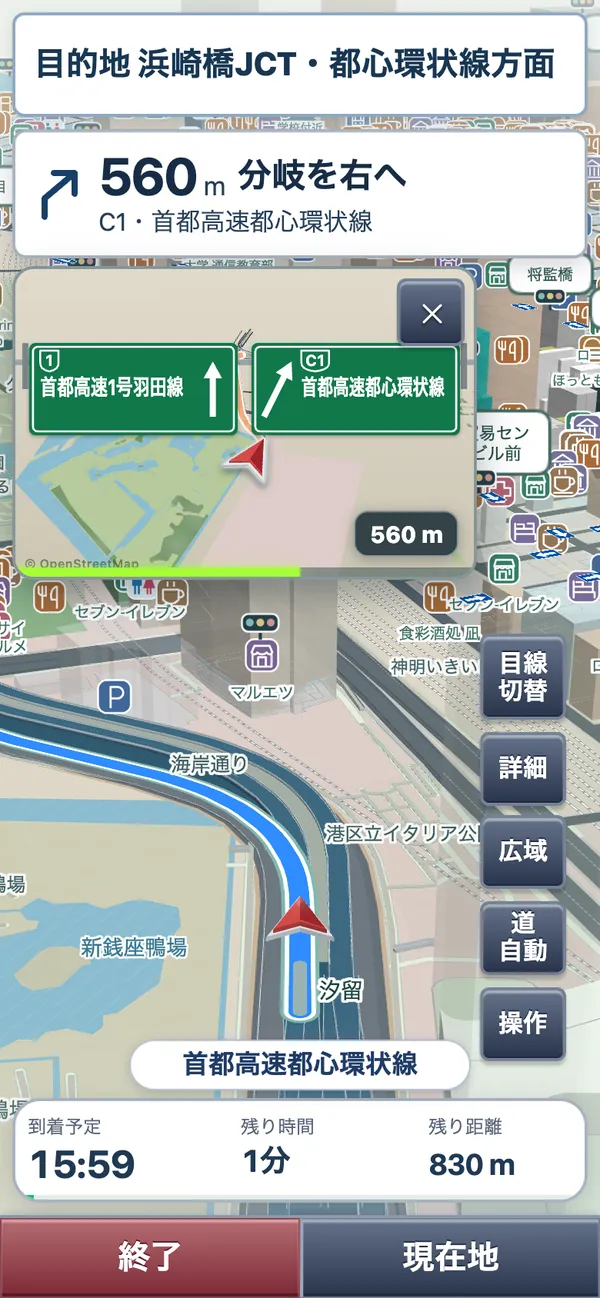
This service is designed for travel in Japan. For now, screens, map labels, address search and voice guidance are Japanese only. Road signs, local traffic rules, and the actual road condition always take priority over the app.
Two versions: navicchoro (full-featured, 3D map) and navirakucchoro (simple, large buttons).
Made for a trip on Japanese roads
Start from a browser, then use the features that help while you drive.
Plan a route in Japan
Search a destination, address, or postcode, compare route options, and add stops before you leave.
3D close-ups at junctions
Near a turn or an expressway fork, a 3D close-up shows which road to take. Screens and voice are in Japanese only for now.
Private by design
Saved places and settings stay in the browser on your device. No account is required.
Our Search Database
Around 3 million places, ready to search
Our own search database covers restaurants, sights and everyday services across Japan. Search by name, address or category for clear, dependable navigation.
Start in three steps
Open navicchoro
Open the navigation app from this page. Installation is optional.
Choose a destination
Search for a place or set a point on the map, then select a route.
Begin guidance
Allow location when you are ready to drive, and follow the on-screen and voice guidance.
Questions before you start
Do I need to install an app?
No. Open navicchoro in a current browser. You can add it to a home screen later if you wish.
Is there an English version?
Not at the moment. Screens, map labels, address search and voice guidance are Japanese only. Tip: enter a Japanese place name or postal code, or tap a spot on the map to choose your destination.
Is it free?
Yes. It is free to use and does not require an account. Mobile data charges from your carrier may apply.
Ready to plan a drive in Japan?
Open navicchoro in your browser. There are two versions: a full-featured one and a simple one with large buttons.